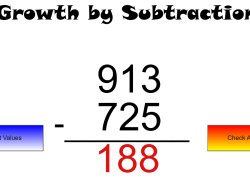
Students will practice and master triple-digit subtraction with automatically generated, varied problems. Enhance number sense and computational fluency with endless practice opportunities.
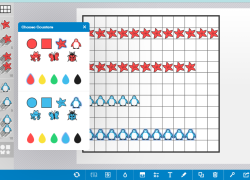
Help students master early math concepts. They will explore counting, addition, subtraction, and multiplication using customizable visual frames up to 144 squares.
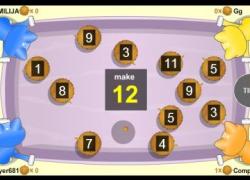
Students enhance subtraction fluency through competitive gameplay. They race against a peer or computer, quickly solving problems to pull their tugboat closer to victory.

Engage students with a multiplayer tug-of-war game where they apply addition skills, striving for speed and accuracy. Builds essential math fact fluency.

Engage students in a thrilling jet ski race as they master subtraction facts. Quick, accurate answers propel them to victory against classmates, enhancing math speed and accuracy.

Students practice subtraction by solving problems to race their rubber duck around a digital track. Fast answers accelerate their duck, making math practice engaging and fun.

Students practice addition facts in a timed, multiplayer game. Cats help them select two numbers to reach a target sum, building fluency with peers or computers.
Engage students in a fast-paced game where they solve subtraction problems to defeat an invasion. Develops quick recall and strengthens subtraction fluency.