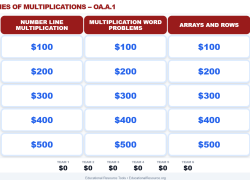
Help students visualize multiplication beyond memorization. They will apply diverse strategies like arrays and equal groups, building conceptual understanding and confidence through an interactive review game.
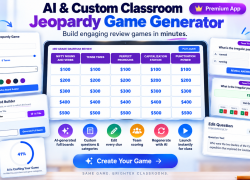
Create custom Jeopardy games for any subject or standard. Students will actively review concepts, practice skills, and deepen learning through fun, engaging classroom play.
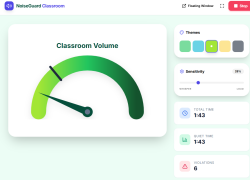
Guide students to self-regulate classroom volume with real-time visual cues. Cultivate a calm, focused learning environment, enhancing student responsibility and concentration.
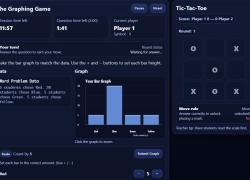
Help students master 3rd-grade graphing and data interpretation. They'll create bar graphs, read tally marks, and analyze data while playing an engaging game.
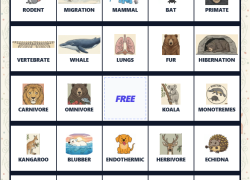
Students will review and reinforce key mammal characteristics and classification. They identify traits like warm-blooded, fur, and lungs, expanding science vocabulary through an engaging, interactive game.
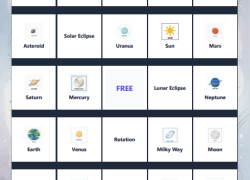
Students will play an engaging bingo game to master solar system vocabulary. They'll actively identify planets, stars, and celestial phenomena, reinforcing key astronomy concepts.
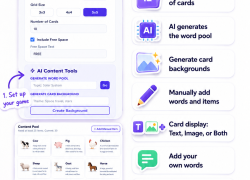
Generate custom bingo games effortlessly. Students will learn and review key concepts, vocabulary, and definitions using unique, visually engaging game cards, making lessons dynamic.
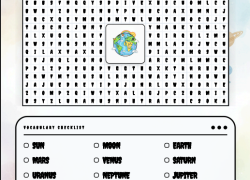
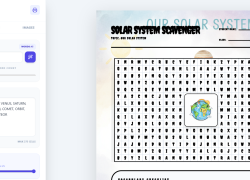
Students explore and learn key solar system vocabulary using this fun word search. Perfect for reviewing planets, stars, and comets, or as an engaging activity for early finishers.
Craft curriculum-aligned word searches swiftly. Students will reinforce key vocabulary, deepen understanding of lesson topics, and enjoy engaging with customized learning puzzles.
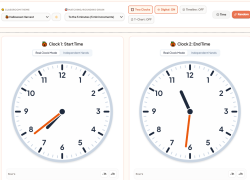
Students master time concepts and duration skills. They interact with dynamic clocks, compare times, and practice with visual aids and customizable challenges.
Students practice counting U.S. coins and bills, building exact dollar amounts, and strengthening real-world currency skills. Interactive gameplay encourages mental math and number sense.

Students master elapsed time, start time, and end time by interacting with a visual number line. They solve engaging word problems and schedule challenges, building crucial time-telling skills.