Students actively practice multiplication facts (1s-12s) with two engaging spooky bingo games. They'll match products to equations or vice versa, making Halloween math review fun.
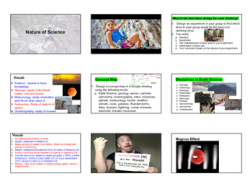
Empower students to investigate the nature of science through dynamic hands-on and digital labs. They will master the scientific method within Earth Science contexts.
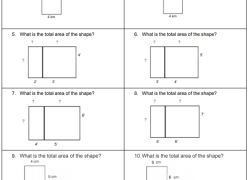
Students calculate areas of irregular and combined shapes. They solve word problems, find unknown side lengths, and create rectangles with the same area but different perimeters.
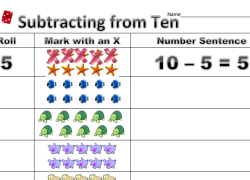
Students practice subtracting from ten by rolling a die to remove animals. They then write number sentences explaining the resulting amount, building foundational math skills.
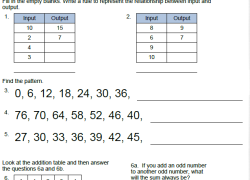
Help students practice identifying various patterns. They will explore skip counting, multiplication tables, and input-output relationships to strengthen their mathematical reasoning skills.
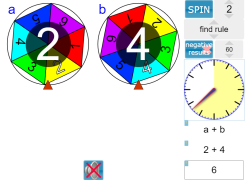
Empower students with dynamic spinners to explore probability, practice multi-step operations, and discover mathematical patterns. They will master value substitution.
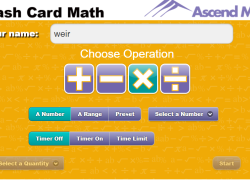
Challenge students with a dynamic Smart Board game. Teams answer math flashcards for multiplication, division, addition, or subtraction, competing in a timed relay. Great for practicing essential facts!
Engage your K-2 students with a fun, elementary video. They will learn basic subtraction concepts through entertaining Sesame Street characters, building foundational math skills interactively.
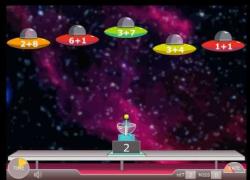
Your students will love defending Earth from an alien invasion! They practice simple addition to fire weapons, quickly building essential math skills and fluency.
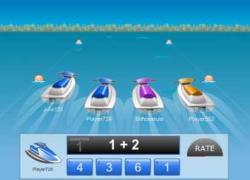
Challenge students to an online jet ski race! They'll quickly answer addition questions, competing to be first across the finish line, building speed and math fluency.
Introduce or review basic addition and counting with an engaging song and video. Students will learn key math vocabulary and foundational number skills in an enjoyable format.
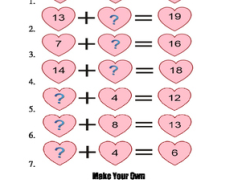
Students find the number that completes 1st-grade number sentences (1-20). They explore whole number relationships within equations, developing foundational algebraic thinking for early math.