Where has the Time Gone? (Elapsed Time Worksheet)
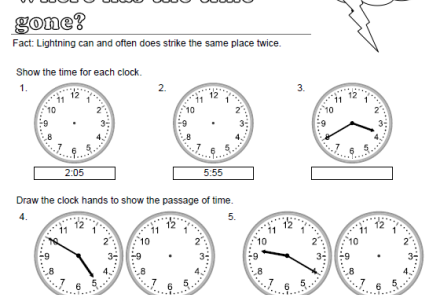
This is a 3rd Grade worksheet that reinforces how to tell time and then students have to solve 4 elapsed time word problems with visible clocks.
This is a 3rd Grade worksheet that reinforces how to tell time and then students have to solve 4 elapsed time word problems with visible clocks.
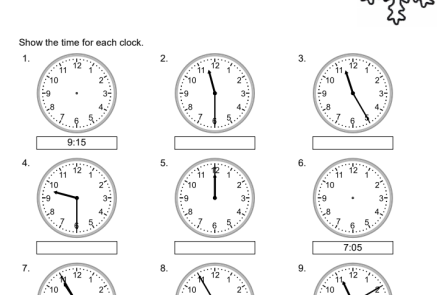
3rd-grade students practice telling time using this worksheet. There are 9 clocks where students have to either draw the clock face or write down the time that a clock is showing. There is also 4 subtraction across zeros using 3 digit numbers as a review.
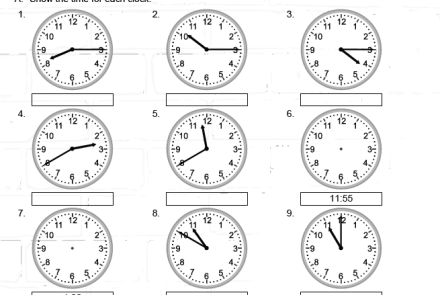
Students will be able to practice drawing clock hands and telling the correct time on 12 clocks.
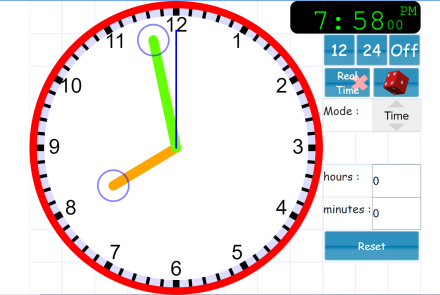
This educational website does a great job with it's analog and digital clock. You can change the clock to real time. You can roll a dice to get a random time on the clock. You can actually change the mode and use the clock's hands to demonstrate angles and fractions. The clock's style and color can also be changed. You can also change the style of the tick marks that go around the clock which makes it easier for students to view, when you are demonstrating different times.
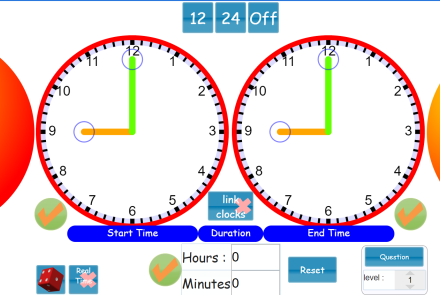
This website provides great student whiteboard activities for elapsed time. There are two clocks that are completely changeable so that you can ask students what the elapsed time is. I use the dice frequently because it provides completely random times. You can hide one clock and then give how many hours before or after that specific time and now your students have to either draw the time they calculate it to be and then unhide the clock so students can verify their calculations.
This is a great video for younger students to learn how to tell time. It also introduces telling time on the hour, the half-hour, and the quarter-hour.
This is a great video to help introduce, review, or reinforce how to tell time.
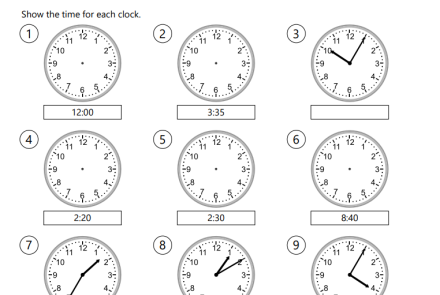
In this telling time worksheet, students will analyze 4 clocks and write down the time. They will take a look at 5 empty clocks with the digital time written and then draw the clock faces. At the bottom there is one division word problem that is used for a review and early finishers.
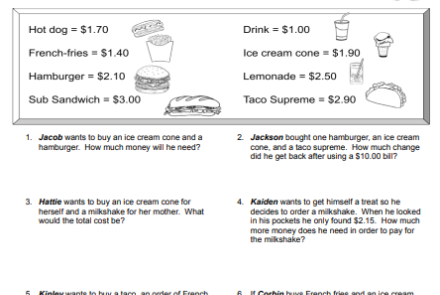
In this money word problems worksheet, students will add and subtract dollar amounts to find out how much they would spend altogether, how much change they need back and figure out if they have enough money to purchase the items. There are 8 money word problems in all.
You can also purchase the Google Doc version of this worksheet through Teachers Pay Teachers. The Google Doc version allows you to edit the names, money amounts and verbiage to fit your local students.
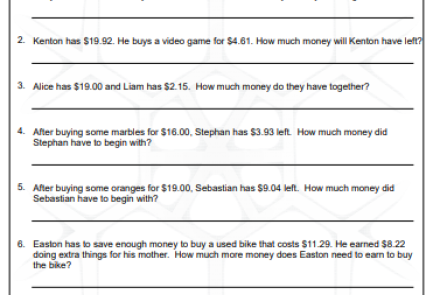
Use this math worksheet with your students to teach or reinforces word problems while teaching adding, subtracting, and multiplying money while reading word problems.