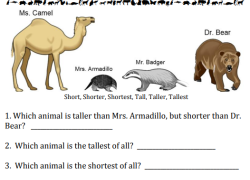
Students will compare four animal heights using comparative and superlative vocabulary: short, taller, tallest. They will read, understand, and apply these specific terms.
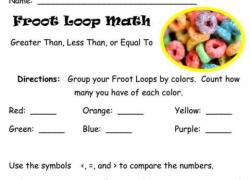
Engage students with a tasty math challenge! They count, sort, and compare quantities of colorful Fruit Loops, developing essential number comparison abilities through playful exploration.
Students practice comparing shapes by size. They will analyze pairs and color them based on relative dimensions, developing visual discrimination skills.
Engage your class with an energetic song and dance! Students will enjoy moving while mastering skip counting by fives, building essential number sense skills in a fun way.
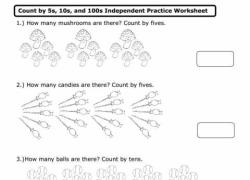
Engage students in skip counting by 5s, 10s, and 100s using pictures. They will build essential number sense and foundational math skills for future learning.
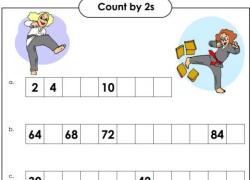
Students practice counting by twos with this engaging worksheet. They will strengthen their number sense and skip-counting skills, building foundational math abilities.
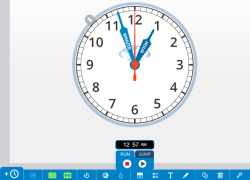
Empower students to master time-telling! Generate custom clock images with various hands, numbers, and features. Perfect for lessons exploring elapsed time, analog clocks, and time concepts.
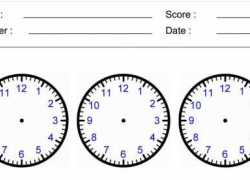
Students draw clock hands on printable worksheets, practicing telling time. Quiz your class with customizable layouts featuring 1, 2, 4, 6, or 9 clocks per sheet.
Students will join Burt and Ernie to explore heavy and light through an engaging game video. Young learners will build foundational understanding of comparative weight and measurement skills.
Students will learn to identify and compare standard liquid volume units including cups, pints, quarts, and gallons. Use this video to build foundational understanding of capacity measurements.
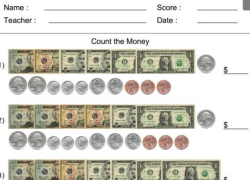
Students will practice counting US bills and coins with randomly generated problems. They will accurately sum various currency amounts, strengthening their K-3 money skills.
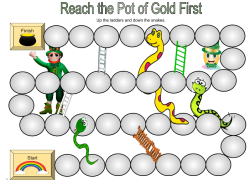
Engage 3rd graders with this St. Patrick's Day Snakes and Ladders game. Students use game cards to practice various skills, making learning fun and interactive.